Gemini Notebook can be summoned inside a chat, and it stays off in the EEA
Google’s Workspace update, dated 23 October: type @Gemini Notebook in the Gemini app to create a notebook, add sources, or ask what is already in one. It is on by default outside the European Economic Area and off by default inside it, which includes the Netherlands. The help page says the connected app is in the web app and the mobile app, and not yet in the Gemini app on a Mac.
Feature2 minEasy
James Okonkwo2 min read
- Gemini
- Android
- Notebook
- EEA
- Workspace
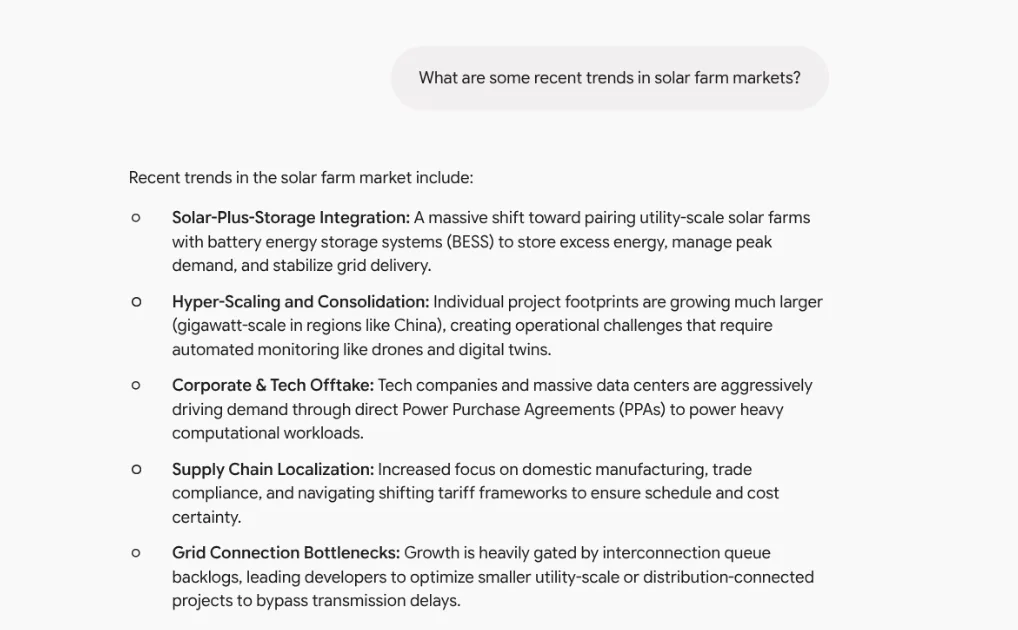
Photo: Google Workspace UpdatesSource page
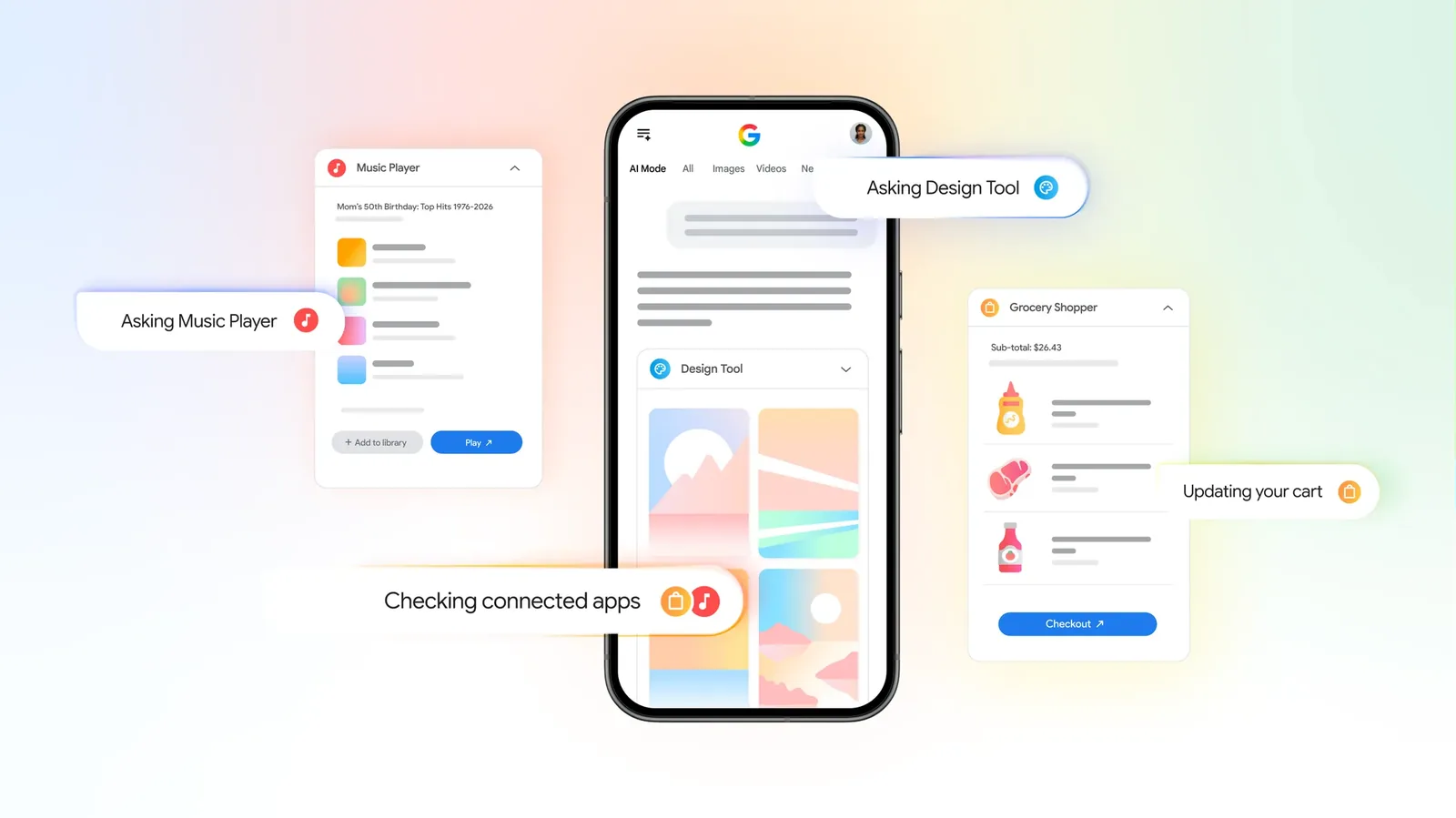
Gemini Notebook is now a Connected App inside the Gemini app, so a chat can create a notebook, add a source, or answer from one that already exists, Google said in a Workspace update dated 23 October. The command Google prints is @Gemini Notebook. The same note says Gemini can decide on its own to call the app when a prompt looks relevant. Ryan McNeal’s account at Android Authority is timestamped noon Eastern on Saturday. Abner Li’s note at 9to5Google went up at 1:21 p.m. Pacific on Friday. The examples on Google’s page are concrete: “Create a Gemini Notebook about solar farm market trends,” “Add a copy of this chat to my notebook about Bio 101 course,” and “What do my Gemini Notebooks say about butterfly migration?”
The default is the part that changes by country. Google says the feature is on for users globally, and off in the European Economic Area, where a person turns it on in Settings, then Connected Apps. The Netherlands is in that area. The help page says the same thing in plainer language: in the EEA, Gemini Notebook has to be connected manually. Everywhere else, Google says it is designed to work automatically. Administrators of work accounts control it through the existing Gemini and Gemini Notebook switches. Both have to be on for a user to get the connected app. Google says the app is available to all Workspace customers, Workspace Individual subscribers, and personal Google accounts, on rapid-release and scheduled-release domains, from the day of the post.
The phone app has it. The Mac app, Google says, does not yet
The help page draws a line the Workspace post does not. Notebooks and the connected app are, “for now,” in the Gemini website and in the Gemini mobile app. The Gemini app on a Mac can use notebooks, and the connected app is not available there yet. Shared notebooks do not appear in the list inside Gemini Apps. Gemini can still hand back a link, which opens in the Gemini Notebook app. A second limit sits behind Keep Activity. With that setting off, a person can still chat with a notebook, and Google says several things stop: auto-saving new chats, using past chats as memory, adding an existing chat from the sidebar, adding Drive files as sources, and creating or opening study notebooks and business notebooks. Even with Keep Activity on, the help page says, Gemini cannot add chats to notebooks through the connected app.
That is a narrower tool than the side panel Google already shipped for notebooks. Li’s Friday piece makes the distinction: notebooks were already in the Gemini app’s side panel, and the connected app is the step that lets the chat itself create, edit and query them. McNeal’s Saturday piece says there is no wait for a further rollout, for the accounts Google lists. The EEA switch is the exception written into the same paragraph. A phone in Amsterdam does not get the @ command until someone turns the connected app on.