Gemini is now an Alt + Space key on Windows
Google’s desktop app lands on Windows 10 and 11. TechRadar tried it Friday. The shortcut is the product. The rest is the website in a quieter window.
Short1 minEasy
James Okonkwo1 min read
- Gemini
- Windows
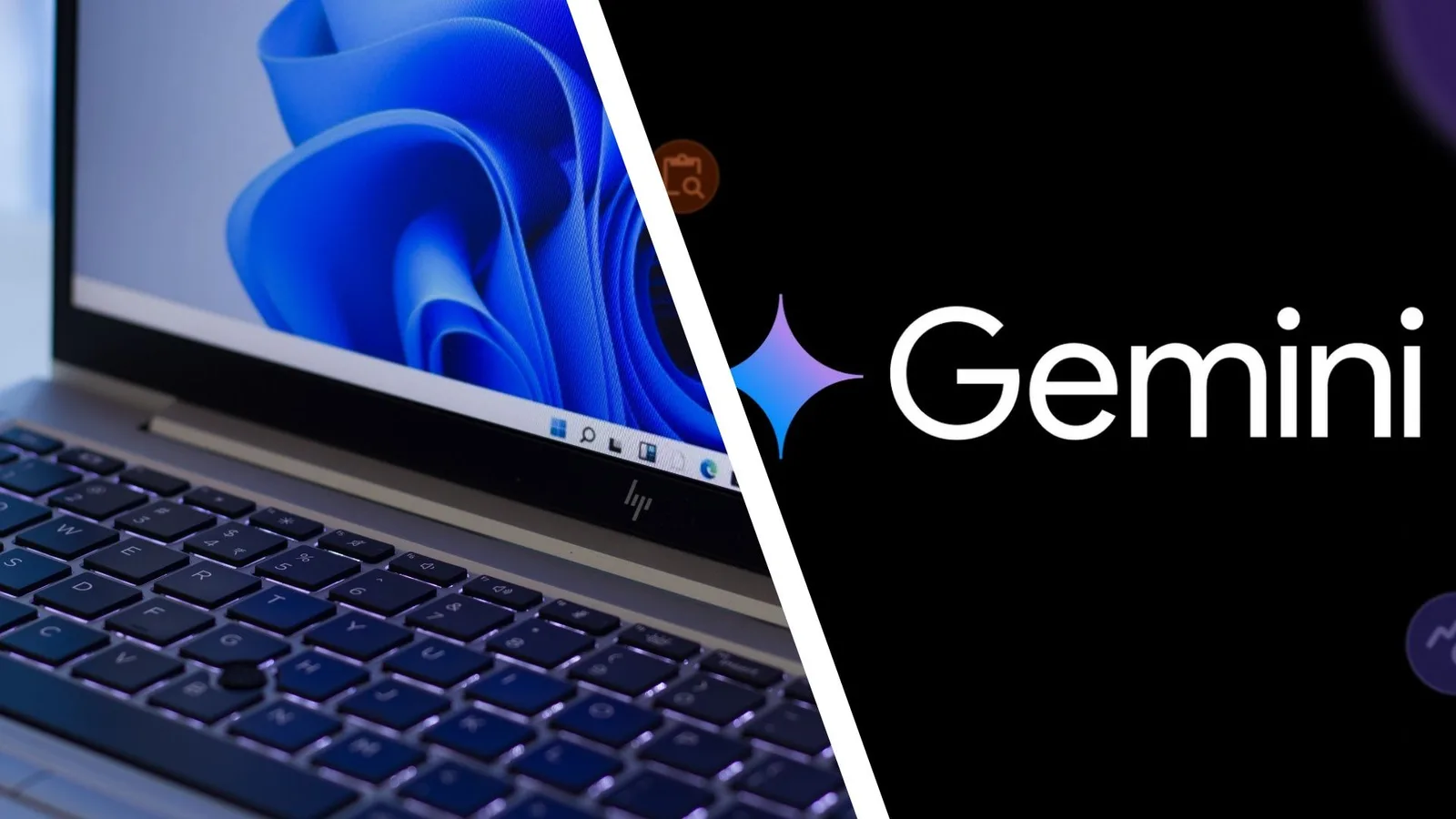
Photo: TechRadarSource page
Google shipped a Gemini app for Windows on Thursday. By Friday, TechRadar’s first-look was the consumer version of the same sentence: press Alt + Space and stop opening a tab. The macOS app has been around since April. Windows 10 and 11 now get the same grab — drafts, summaries, Spark as a standing agent, Gmail and Drive when you connect them, image and video generation from the desktop. Download lives at gemini.google/desktop. A Google AI subscription is required; availability varies; 18+.
9to5Google’s writeup is blunter about the chrome. The window is basically the website plus a side panel for notebooks and recents. Google calls it lightweight and quiet and promises more native desktop work later. TechRadar liked the shortcut and noted that it stole Alt + Space from whatever had it before. That is the product decision. A model you summon without leaving the slide deck will get used. A model you have to find in a browser will get a tab you already had.