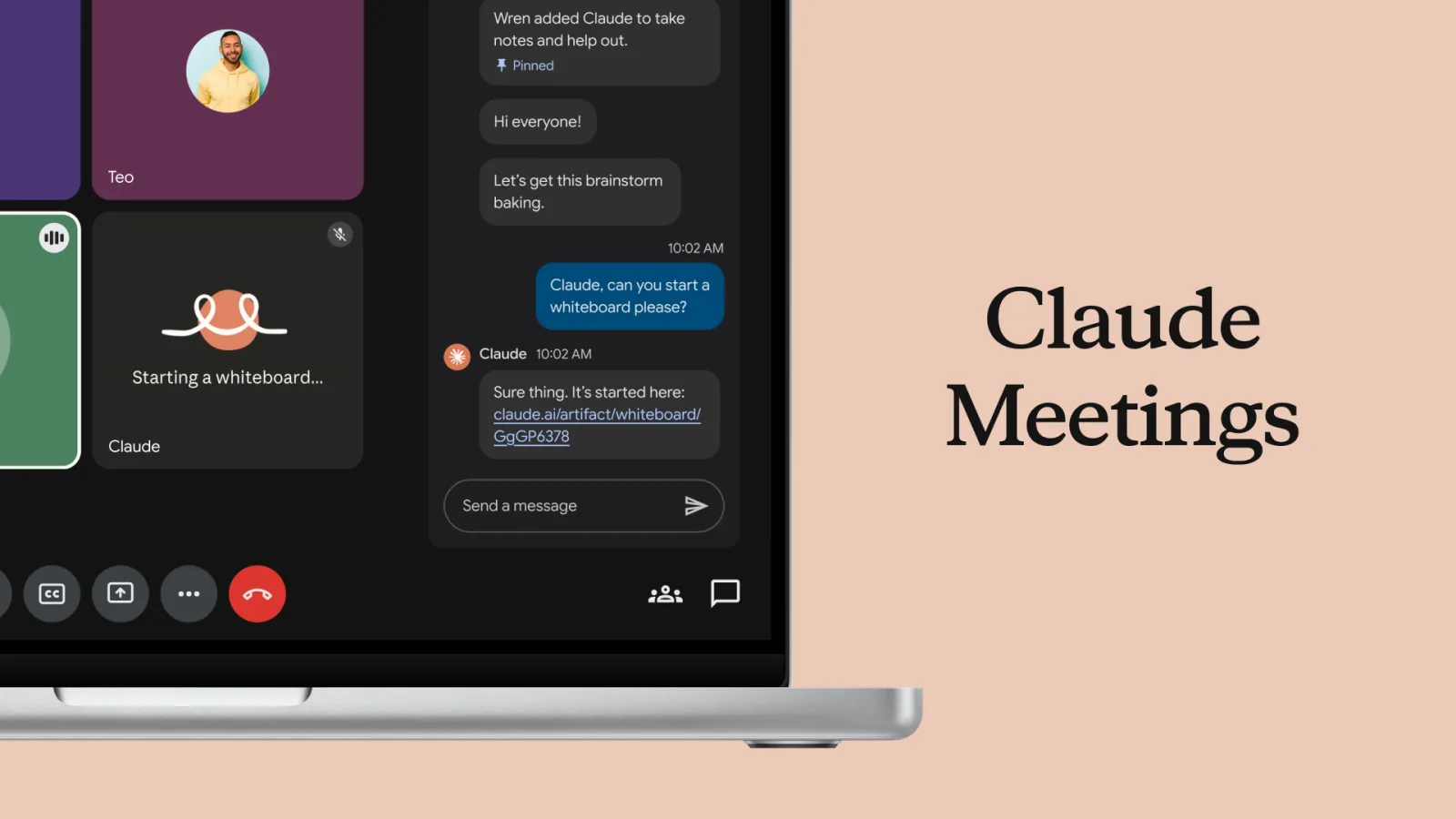
Claude’s computer use is a Team and Enterprise beta, off until an owner switches it on
The 20 November release notes add computer use for Team and Enterprise plans, rolling out gradually. The setup article says it is off by default, that there is no sandbox, and that screenshots are saved with the chat. A block list does not cover a browser extension, a remote desktop, or text pasted out of a denied app. On a Mac it needs Accessibility and screen recording. Google’s Mac version, dated 19 November, is a consumer feature in a separate window.
Feature3 minIn-depth
Maya Chen3 min read
- Anthropic
- Claude
- Agents
- Computer use
Photo: Ashwin Kumar / Wikimedia CommonsCC BY-SA 2.0
Anthropic’s release notes for 20 November add computer use, in beta, for Team and Enterprise plans, and say it is rolling out to organizations gradually. The setup article is the one that says how it actually sits. It is off until an Owner or Primary Owner turns it on, under Organization settings, then Capabilities, and only where “Chat and Cowork unified” is already on. It runs in Claude Desktop on macOS 14 or later and on Windows. People can also start it from Claude on the web or from Claude Mobile if the organization’s Computer access setting is on and Claude Desktop is open on the computer that will be used. The article says it does not work in tasks started with the separate Cowork option, or in Claude Code. Organizations on the HIPAA-ready configuration, Zero Data Retention for Claude Code, customer-managed encryption keys, or FERPA or K-12 settings cannot turn it on.
No sandbox, and a list that does not cover the browser
The article’s warning is that computer use has no sandbox between Claude and a user’s applications, and that content on the screen, such as a web page or an email, could cause Claude to take unintended actions. It is not limited to folders the user has connected. Through an app the user approves, Claude can open, change or delete files outside those folders. A folder limit, and a folder marked read only, do not apply. Claude takes screenshots to see the screen, and they are saved with the chat. The automated check that reviews Claude’s actions can see the latest screenshot, and Anthropic can keep a copy of it in the record of that check. The article points to the Commercial Terms and the Data Processing Addendum for how that data is handled.
An owner can block named apps or allow only a list. The article then lists what those lists do not cover. They do not cover Claude in Chrome, the built-in browser, Claude Code or desktop extensions. They do not cover websites or browser extensions, including a password manager’s extension, inside a browser the user has approved. They do not cover apps inside a remote desktop or a virtual machine the user approves. They do not apply if the person switches Claude Desktop to a personal account or to another organization. Claude can read text copied from a denied app, the article says, by pasting it into an app that is allowed. On Windows, a denied app’s notifications stay visible in screenshots, and so do the Start menu, search and File Explorer. The article’s example of a miss is LibreOffice, whose window belongs to soffice.bin: if the block list has the wrong file name, Claude can still use the app once a user approves it. Switching the setting off can take about an hour, sometimes longer, to reach each desktop. Until then, Claude can still see the screen and use the apps that person has allowed.
Two permissions on a Mac, and a different product from Google
On macOS the article says computer use needs Accessibility and Screen Recording. In System Settings it lists them as Accessibility, which macOS 27 calls Device Control and Data Access, and as Screen & System Audio Recording. A user who is not an administrator may need an administrator’s name and password. On Windows, the article says, computer use needs no operating system permission. Each person still turns “Enable computer use” on for each computer and each account.
Google’s version of the idea is a different product, dated 19 November. Michael Friedman’s post says computer use in the Gemini app for Mac runs in a separate window, so the person’s own screen and cursor stay free, and that the person chooses which apps Gemini can access, can watch a live preview, and approves actions. It requires an Apple Silicon Mac on macOS Sequoia 15 or later, a personal Google account for someone 18 or older, and a Google AI Plus, Pro or Ultra subscription. It is rolling out in English in the United States. Anthropic’s note is an organization setting, on Mac and Windows, off until an owner enables it, and the help article’s phrase for the boundary is that there is no sandbox. Google’s phrase is that the work happens in an isolated window. The two posts are not describing one control.